SECURE MESSAGING
Collaborate and Communicate Securely
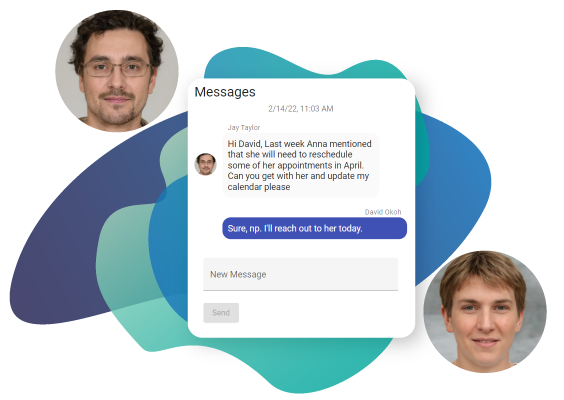
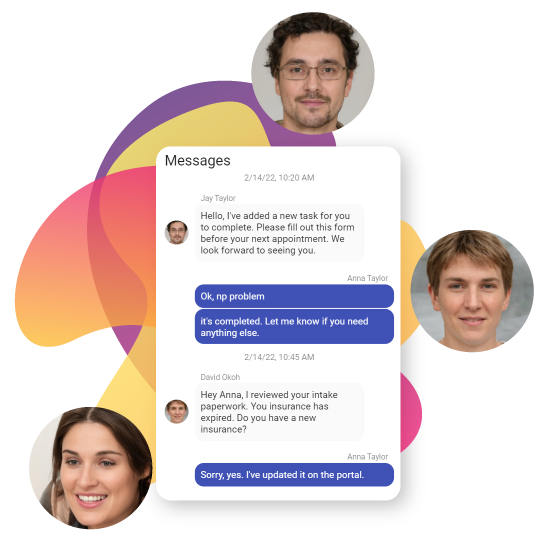
Communicate with your patients or with your team members just like sending a text.

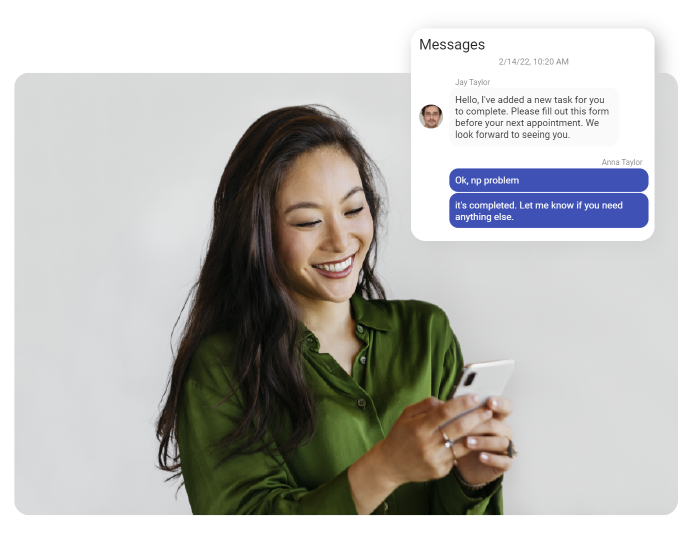
Like Text Messaging on Your Phone, But Completely Secure
Secure messaging allows you to easily communicate with your practice team and patients. If you have text messaging on your phone, then you know how it works. Secure messages are HIPAA compliant, requiring authentication and authorization to view messages.
Collaborate Internally With Message Groups
You can create message groups between two or more Psykdesk users. You can then collaborate by sending messages to the group. Everyone who belongs to the group will be notified of the new message. Clicking the message icon on the Psykdesk menu bar displays the message group thread.