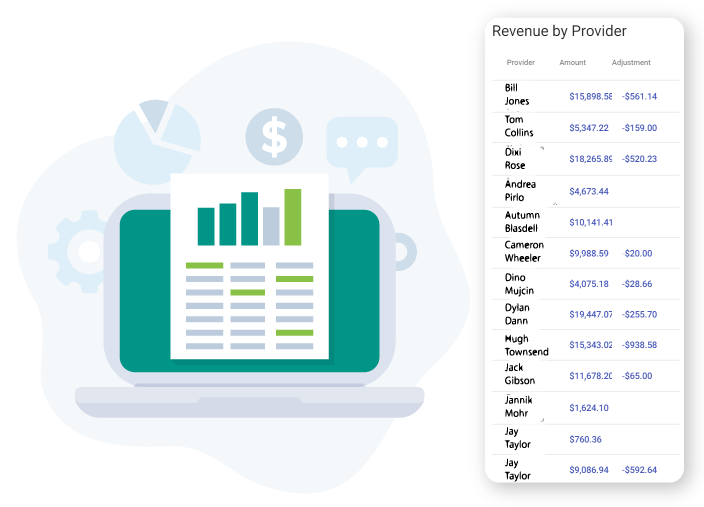
REVENUE REPORTING
Easily calculate your revenue numbers for payroll
Calculating revenue for providers seems straightforward, but there are nuances that can make it challenging. Clynyx takes care of all the complexity for you automatically.

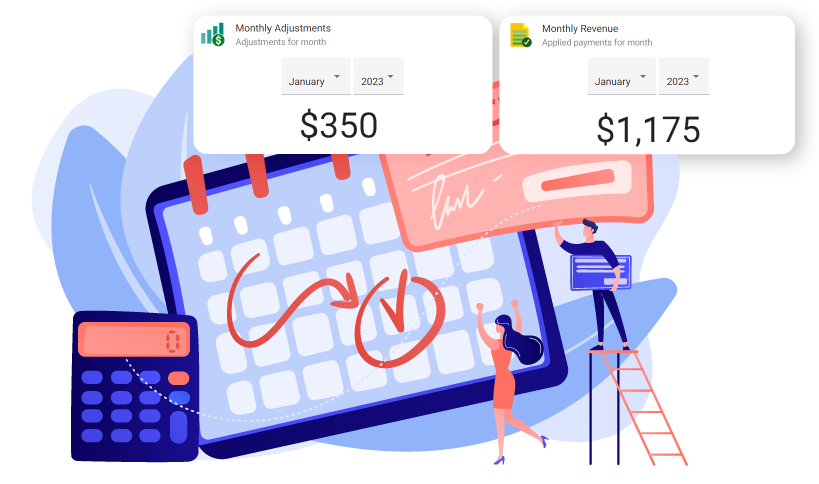
RETROACTIVE CHANGES
Automatically track revenue changes to prior periods
Revenue that you calculated and paid out in January can be impacted by refunds or changes to patient responsibilities (when ERA’s are paid) in February. Psykdesk creates transactions that automatically adjust revenue in the current period so that you don’t pay out revenue twice (or not at all).
PERIOD SCHEDULES
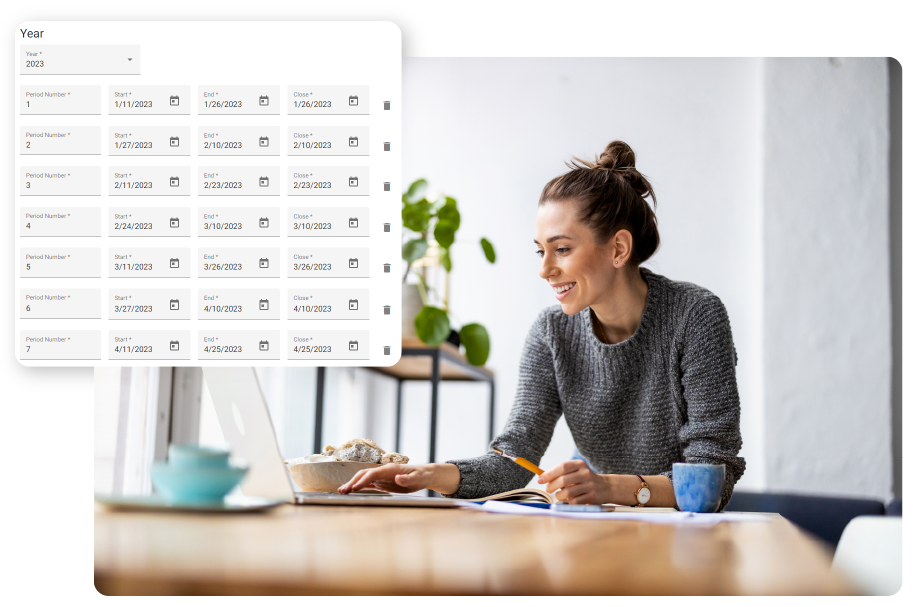
Custom revenue period schedules
You can configure custom revenue period schedules to exactly match your payroll schedules. This insures that revenue reporting and revenue adjustments correspond to your payroll schedule.
SERVICE CONFIGURATION
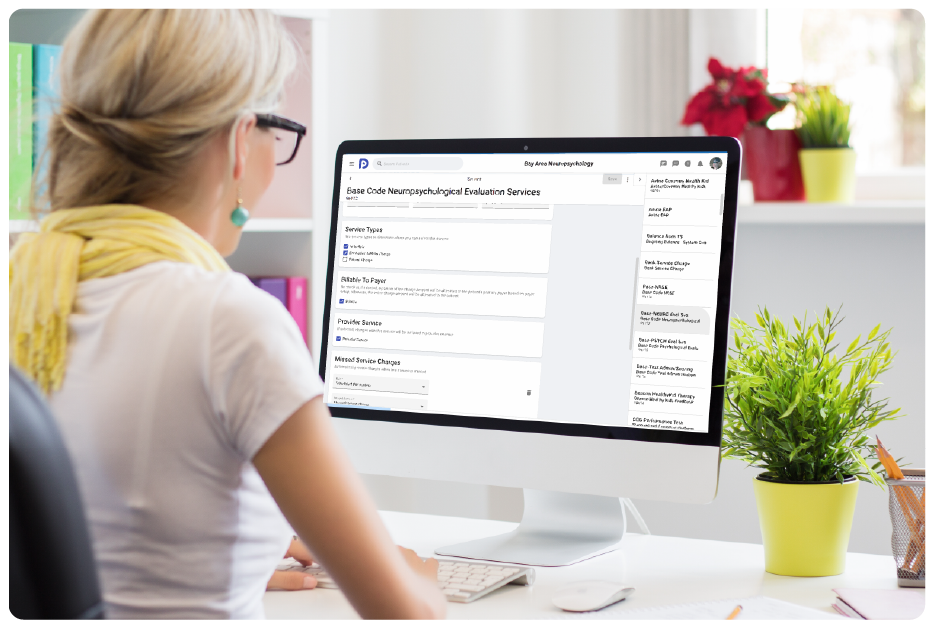
Configure services as provider revenue
You also have the flexibility to configure which services should be included in provider revenue. For examples, you may not what to include late or admin fees.
REPORTING
Extracts give you reporting flexibility
With extracts, you can create your payroll reporting with the click of a button. If it is taking you more than a couple of seconds to calculate your revenue numbers for payroll, you need Psykdesk Extracts.