ISSUE
Manage issues inside your EMR
Emails, texts and voice mails can quickly get out of hand. An issue tracking system allows you to track, assign, and prioritize your issues and tasks. Your team all works together with a clear understanding as to who is assigned to an issue and responsible for resolving it.

Create Issues in context
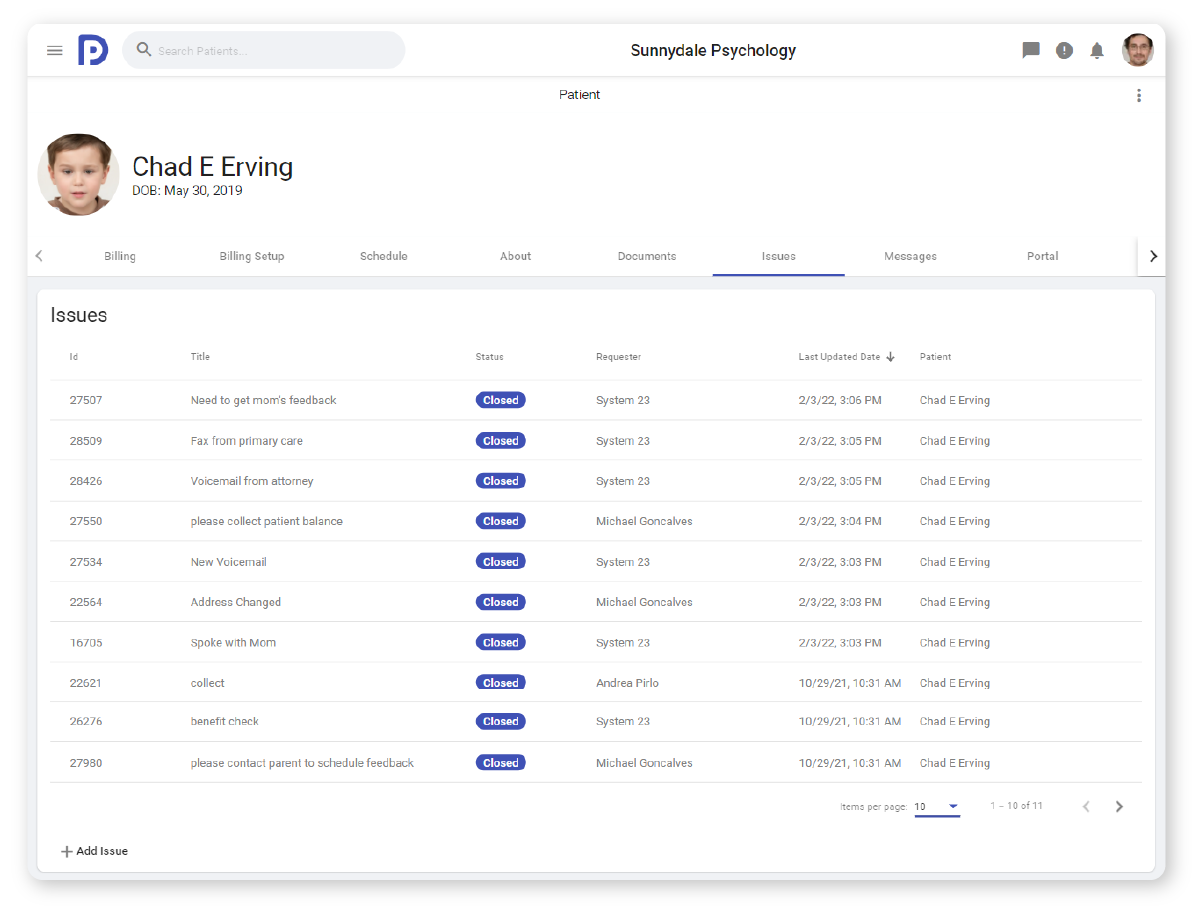
You can associate issues to patients, claims, ERAs, Encounters, etc. which allows you to understand the context of the issue. An issue associated with a patient, for example, will show up on the patients chart.
Assign issues to individuals or groups
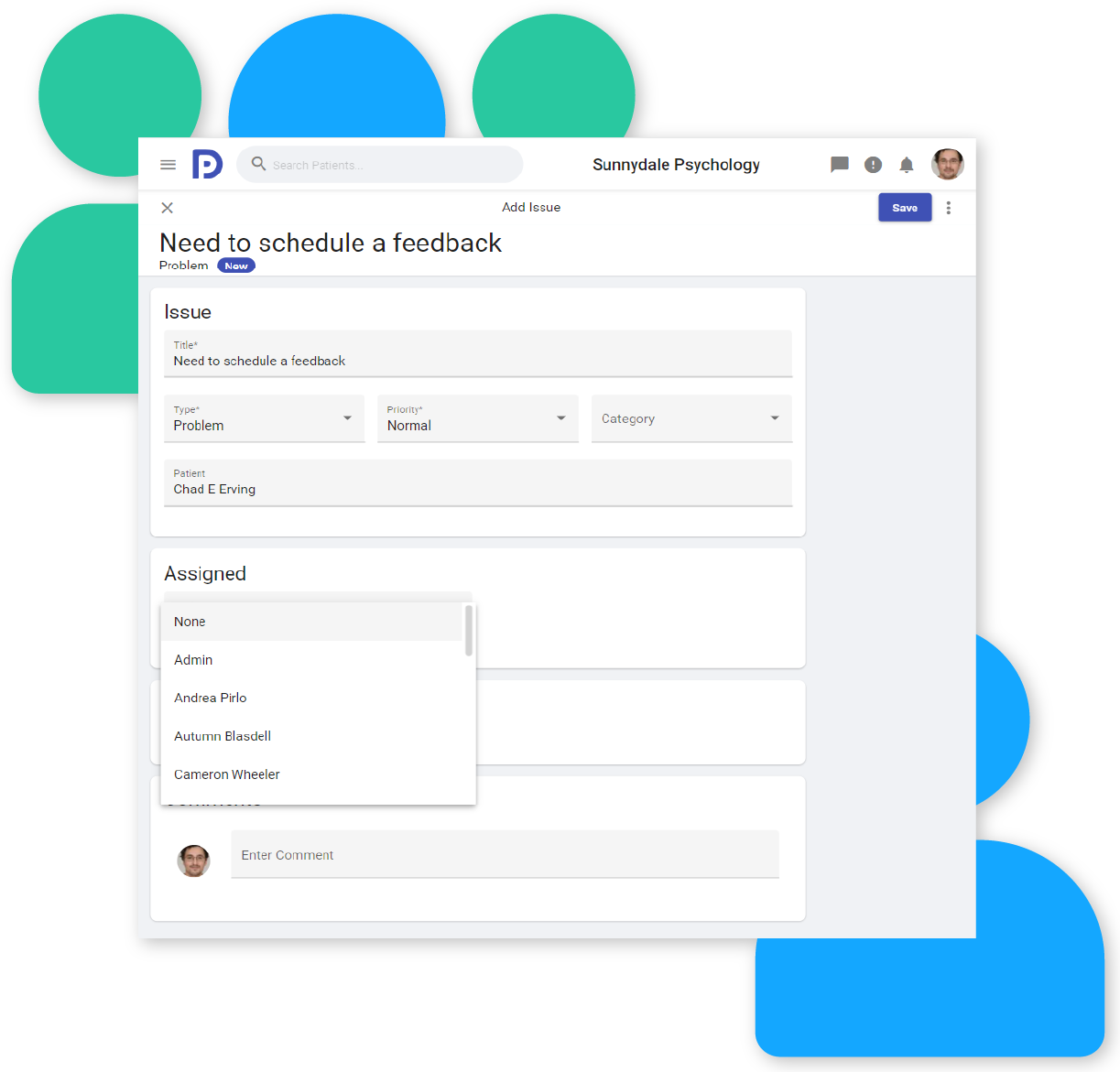
You can assign an issue to a particular user, or to a group. For example, you may want to assign a particular issue to your admin team to make sure someone is always available to work the issue.
Insights into your issues
Insights such as dashboards and consoles allow you to understand the current state of issues in your practice. They can answer questions such as: What issues are assigned to me? How many open issues do we have? What issue categories have the most open issues? Do we have any issues that haven’t been updated in a while? Are we staffed appropriately to manage all our issues, What are our top priority issues, etc.


Triggers
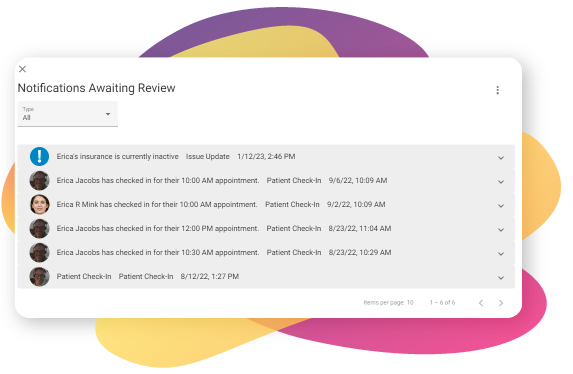
Triggers allow the system to automatically perform specific actions on issues, making them easier to manage. Triggers are completely configurable and can automatically perform actions such as assigning an issue from a particular provider to a specific admin, sending emails on updates, or changing an issue’s status after the first comment.
Manage your faxes and voice mails as issues
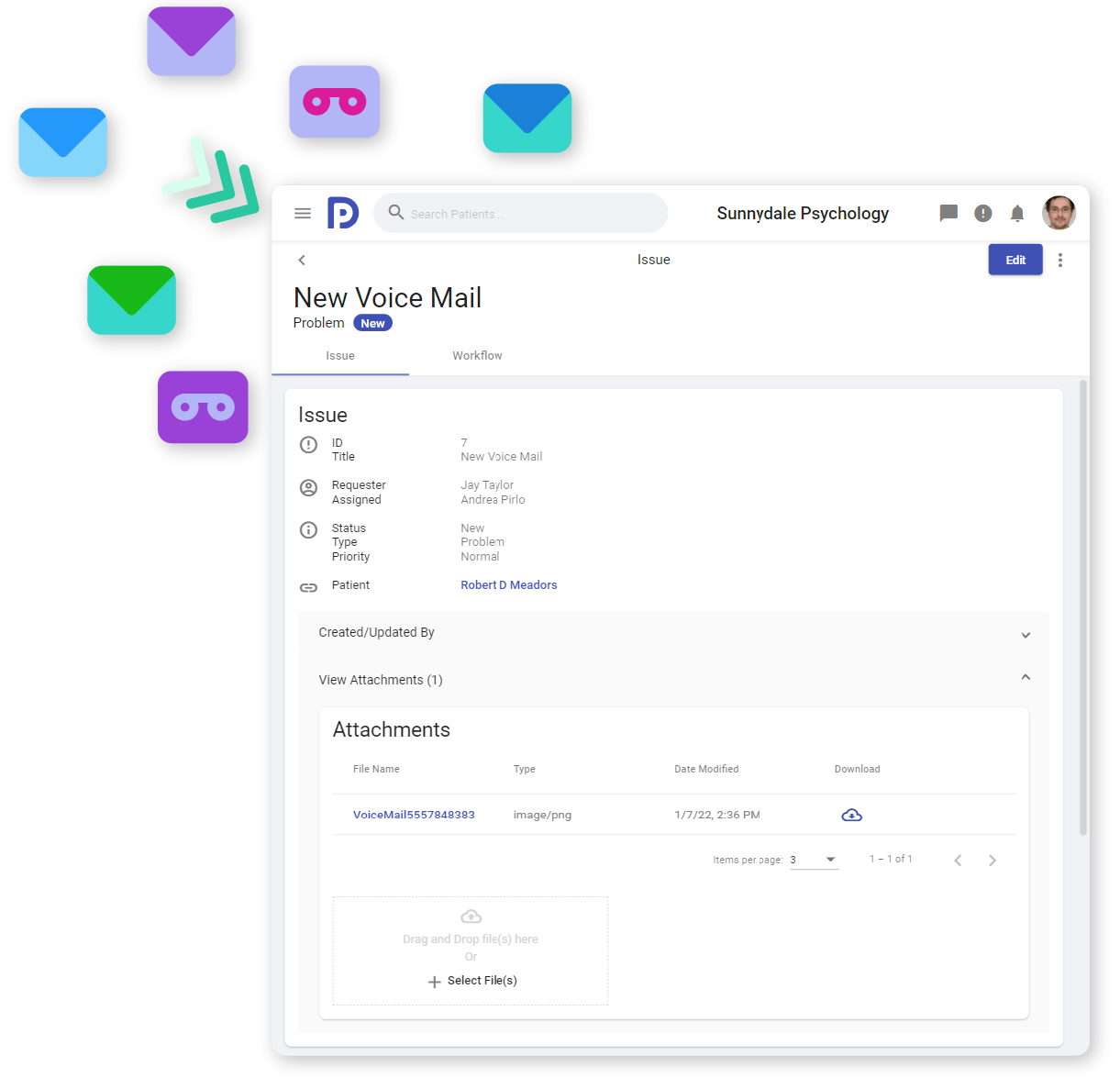
You can send emails directly to your Psykdesk account to automatically create issues. Since fax and voicemail services can typically be configured to send emails on receipt, you can leverage this feature to connect your Psykdesk issue tracking system to your fax and voice mail service and manage everything on one place. The coolest part? You can listen to a voicemail or view the fax as part of the issue and then attach that issue to the patient’s chart.