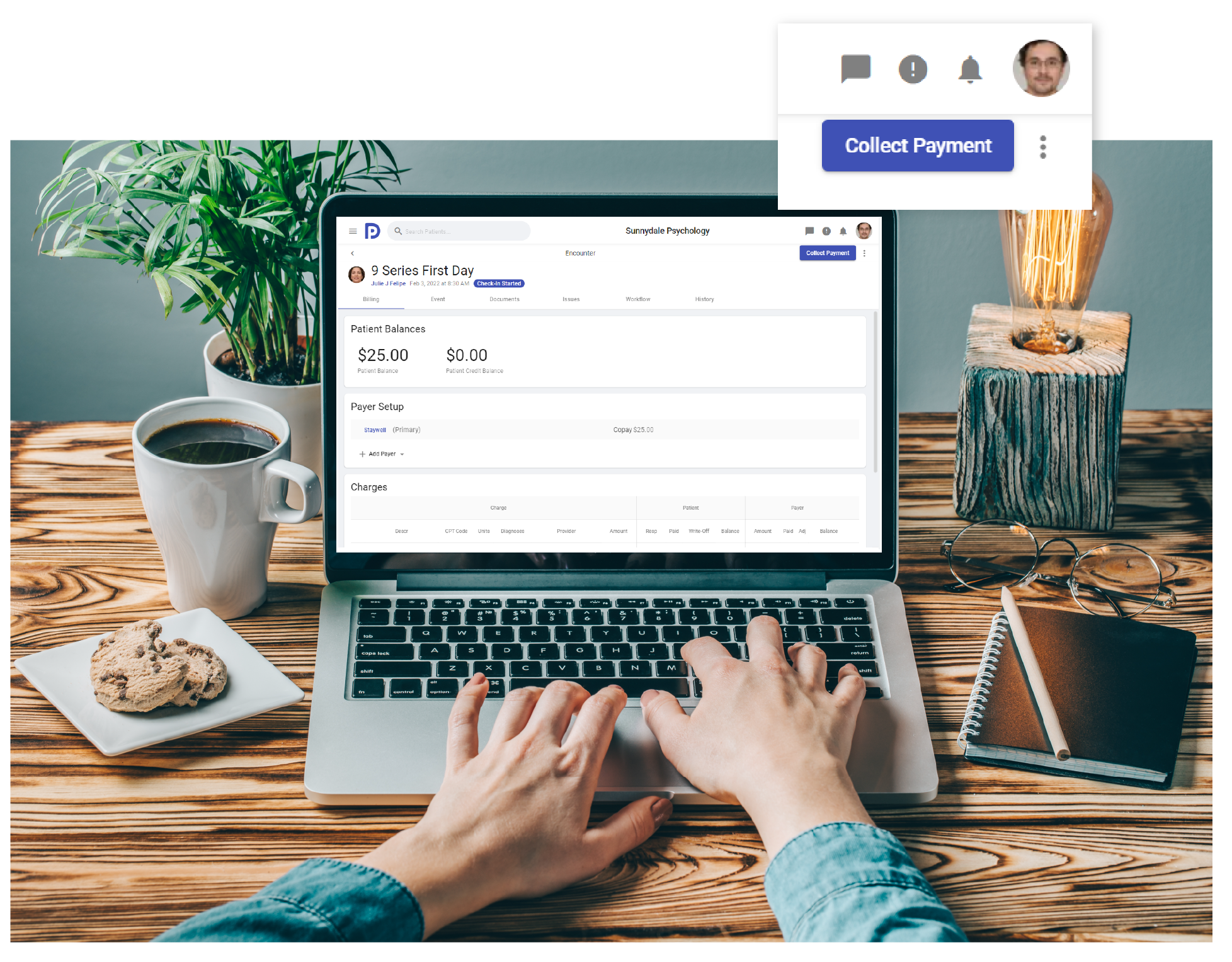
WORKFLOW
Controlling and automating your daily tasks
Workflows make sure tasks get done when they are supposed to and provide structure around your processes. They also help to ensure nothing gets missed as your practice gets busy and help you to avoid mistakes.

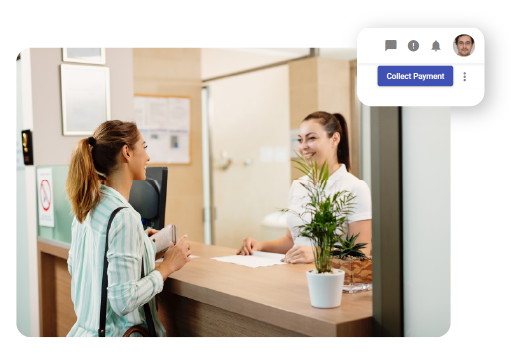
CHECK IN WORKFLOW
Make sure patient responsibility is collected up front
Workflow controls that patient responsibility is collected upfront and that insurance eligibility has been verified before the patient is seen. It will also notify providers by email and or text when a patient has checked in.
BILLING WORKFLOW
Ensure notes are completed before claims are routed to the exchange
You can move patients through the billing workflow individually or as a group. Providers will be able to see which encounters are awaiting notes and which ones are ready to bill. Workflow ensures claims are not created for an encounter until a note is completed and signed.
INSIGHTS
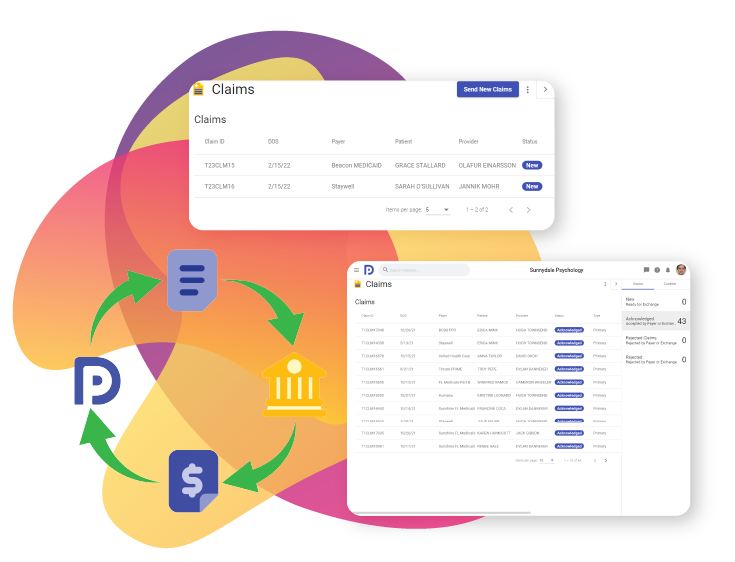
Get Insights into claims processing
Workflow status provides insight into where a claim is in the payment process. You’ll know if a claim has been acknowledged, rejected, or paid along with the details from the clearinghouse and payer.
ACTION MENU
Simple to use
Using workflow is easy, the action you are most likely to take next is displayed as a single button on the action menu with additional actions available in a drop down. What do I do next? click the one button to move to the next task. Psykdesk will let you know if you’ve forgotten to complete something.